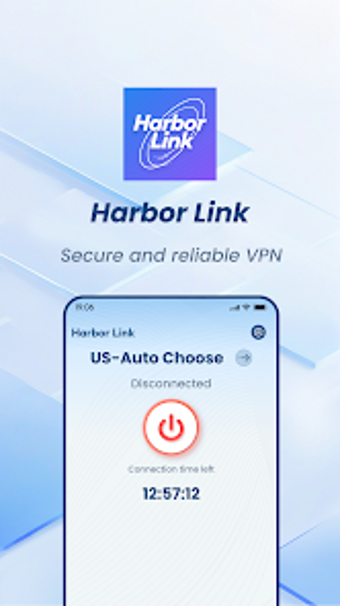
Harbor Link for Android: Encrypted connections with a stability focus
Experience Harbor Link, from Xianning Enzi Trading Co. Ltd, a mobile network utility designed to protect Android traffic and steady connections. The app establishes encrypted channels to protect data in transit and applies measures to reduce latency and improve connection stability for video and social apps. Core elements include one-tap connections, privacy-focused design, and latency reduction. Android users who stream video, browse in variable networks, or need a simple privacy layer receive immediate connection protection and smoother sessions for everyday use.
Harbor Link establishes encrypted channels and targets latency reduction
The app creates encrypted connection channels to safeguard mobile traffic and states a primary aim of lowering latency for better media playback. Encrypted channels and network stability optimization are presented as the two pillars of the tool, and the developer lists video streaming and social apps as intended high-bandwidth scenarios. Distribution is through the Play Store, which places the app directly on Android devices.
It manages network behaviour for high-bandwidth activities without complex controls
Because the tool is tailored for high-bandwidth activities like video streaming, it emphasizes responsiveness rather than deep telemetry displays or per-app routing rules. The one-tap connection model reduces steps needed to protect traffic, and stated latency-reduction measures aim to improve browsing and playback in fluctuating network conditions. Practical impact therefore focuses on network responsiveness rather than device-level tuning.
Encryption and privacy focus are central, but ad support exists
The developer describes a privacy-centric design intended to minimise transmission risks, so encryption is core to the tool's stated safety model. The app is also supported by advertisements, a fact that sits alongside the privacy emphasis and represents a trade-off for users who judge privacy and interface interruptions differently. Security posture is explicit in the feature set, while ad support is explicitly declared in FAQs.
One-tap design suits casual users, while advanced controls are limited
The simplified user experience is designed for immediate connection and protection, which makes the app approachable for non-technical mobile users. Adoption figures exceed 100,000 downloads on the Play Store, indicating a degree of reach among Android users. Accessibility is therefore a strength for everyday media consumption; power users seeking granular configuration may find fewer options within the streamlined interface.
Practical choice for casual mobile media users, with a single notable trade-off
Harbor Link is a practical option for Android users who want a quick, low-effort connection layer for smoother sessions in variable networks; its ad-supported model is the main drawback and can interrupt media use. For people prioritising immediacy and a minimal setup, the app serves that niche well; those needing deep configuration should evaluate alternatives with richer controls.